
Board & Workflows
The team’s board, at /kanban, is not stored anywhere: it is the event log, grouped.
One machine writes a card and every machine has it, with nothing syncing a database -
the reason it exists separately from Hermes’s own kanban (which is the SQLite file
the Hermes CLI keeps on one machine).
Four columns, and a card moves by naming the column it moves to rather than by dragging, one event with a name in it on the log instead of a stream of coordinates.
A card can be given to a machine or to an agent. Give it to an agent and whichever machine can actually run that agent claims the card, does the work, posts the result as a comment and moves it to REVIEW, review, not done: an agent finishing a task is a thing to look at, not a thing to trust. The earliest claim wins, ties broken by machine name, computed identically everywhere from the same events, no election, no coordinator. Without the claim, every machine that can run Claude would run the same card and one task would come back with four bills.
An agent can also act: post a message to a room, open a card, move one along. Nothing that runs a command or touches a file, an agent already has a whole machine for that. “Nobody” is a real assignee.
Workflows
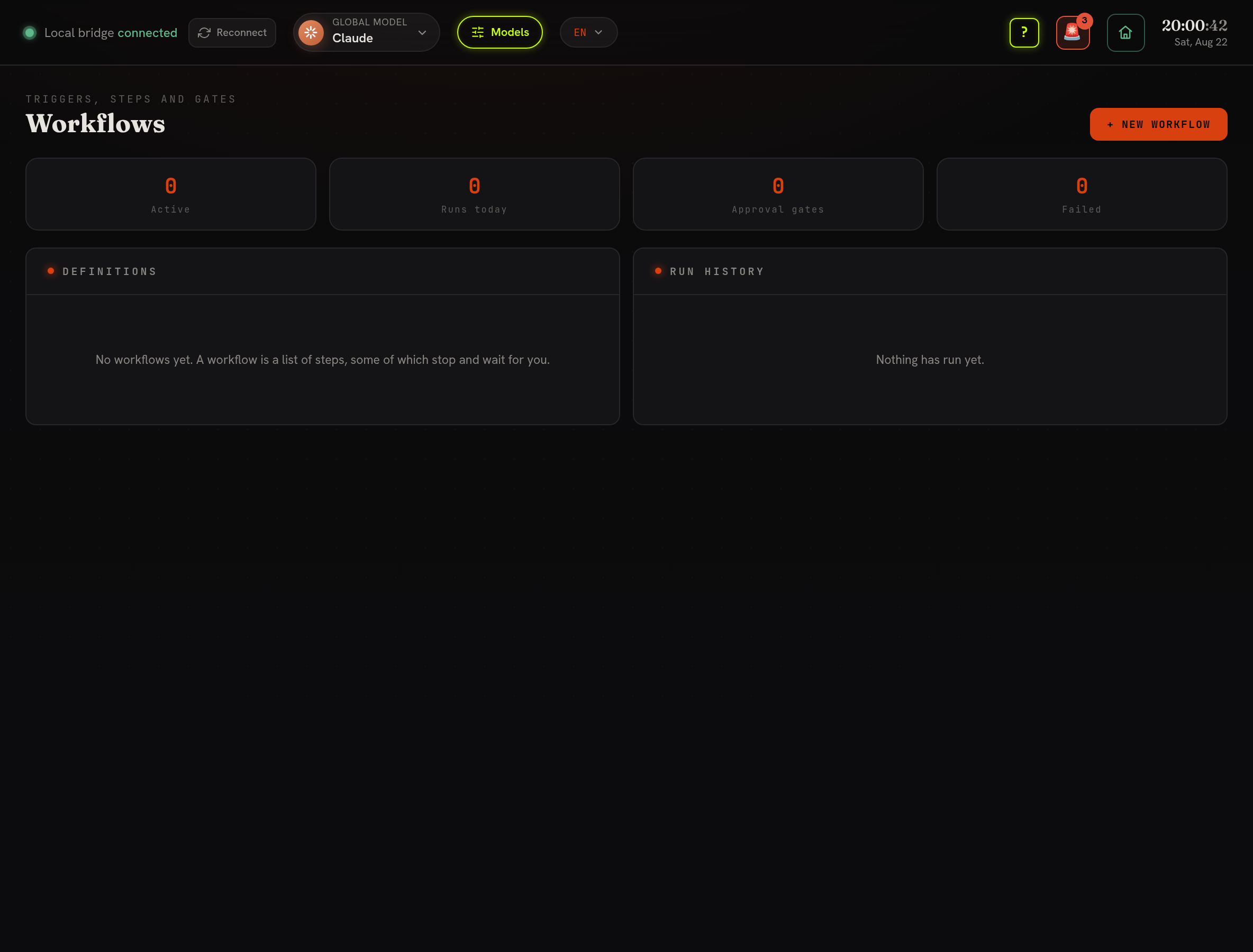
Section titled “Workflows”A workflow, at /workflows, is an ordered list of steps, some of which stop and wait
for a person. This is what Loop, Pipeline and Kanban were underneath, three sidebar
entries doing one thing with three vocabularies.
| Was | Is now |
|---|---|
| A Loop cycle | A step with onFail pointing back at an earlier step, and a retry bound |
| A Pipeline gate | A gate step |
| A Kanban column | A run’s current step |
| A Kanban card assigned to an agent | An agent step |
Step kinds
Section titled “Step kinds”- shell, runs a command, as whoever runs the server, with the same authority the agents already have. Read a workflow before enabling it, the way you would a script.
- agent, records a prompt for an agent to pick up. It does not block.
- gate, stops the run and asks a person. Approve to continue; reject to end.
- note, records a line and moves on.
Retries, with a bound
Section titled “Retries, with a bound”Any non-gate step can name a step to go back to on failure and a maximum number of times, three by default. The bound is not optional: a build-judge-fix cycle with no bound is an outage, not a feature.
Triggers
Section titled “Triggers”- Manual, the button.
- Schedule, an interval in minutes (cron is a language and nothing here needs one). It fires immediately the first time, because an operator who switches something on and sees nothing for an hour concludes it is broken.
- Event, once per new event of a chosen kind: a CI failure, a patch landing. The first time it is seen it acts only on the newest event, so switching it on does not run it against a year of history.
What has already fired is kept on disk, so a restart does not re-run everything. Gates sit at the top of the screen: a gate is blocking somebody’s work right now.
A run has no state of its own
Section titled “A run has no state of its own”It is folded out of the log, so a server killed mid-run cannot leave a status file claiming “running” forever, and “who approved this, and when” is answerable months later, because the approval is a signed event with a note on it.
Migrating from Erebros
Section titled “Migrating from Erebros”Existing Loop, Pipeline and Kanban state is not converted, those boards were per-machine scratch space, and a converter would have to invent a history that never existed on the log. Recreate the ones you still want as workflow definitions; it takes a minute each.