
T-Forge
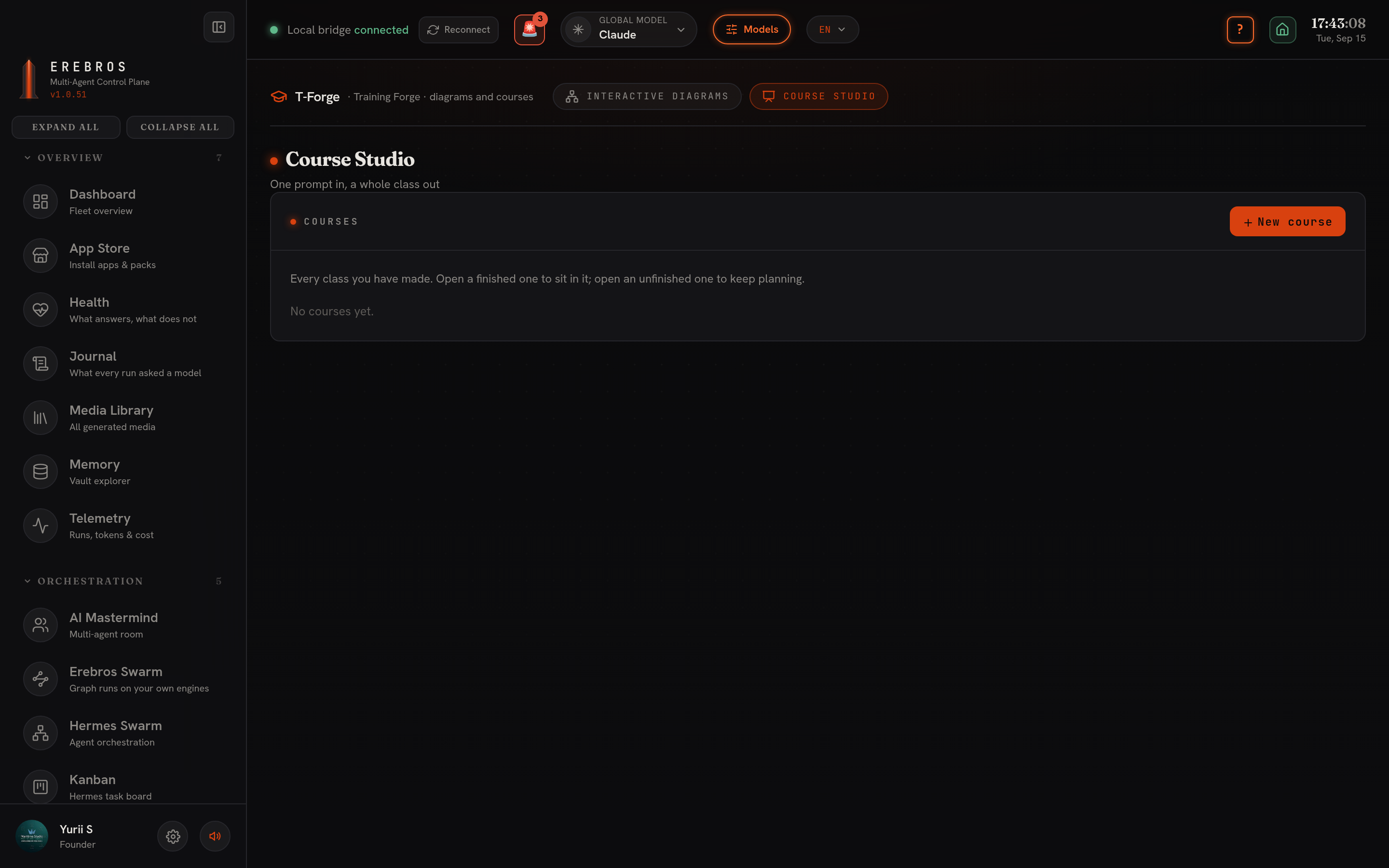
T-Forge is Erebros’s Training Forge, at /t-forge. It holds two tools: Course Studio, which teaches a system, and Interactive Diagrams, which draws one.
What it does
Section titled “What it does”- Course Studio (
/t-forge/course-studio), one prompt or your own material becomes a whole class: a plan, narrated scenes, quizzes, and a live classroom you can sit in. Built on a vendored openmaic engine. - Interactive Diagrams (
/t-forge/diagrams), the model writes a typed document (an IR) describing a system, and the document is validated before anything is drawn. The diagram engine itself is vendored and calls no model; it only checks and renders what the model wrote.
Course Studio
Section titled “Course Studio”What it makes
Section titled “What it makes”A class, not a slide deck. Each scene is one of four kinds:
| Scene | What it is |
|---|---|
| Slides | A narrated slide, with the teacher spotlighting what they are talking about |
| Quiz | Choice and written questions, graded as the learner answers |
| Interactive | A simulation, diagram, game or 3D scene generated for that lesson |
| Project | Roles, milestones and microtasks worked through with the class |
Teaching it is a teacher plus two or three classmates, generated for that course with their own names, personas and voices. They narrate, discuss, and answer a raised hand from what is on screen.
Compose
Section titled “Compose”One question: what should the class teach? You can attach documents you already have, PowerPoint, PDF, Word, OpenDocument, EPUB, spreadsheets, Markdown or plain text. They are converted to text by the same engine D-Forge uses, and the planner reads them before writing anything, so the course is built from your material rather than the model’s general knowledge. Pasting text works too, alone or alongside attachments.
Before anything is written you pick:
- Template,
maritime.studio(every line goes through the humanizer and a narration linter) orgeneral(the pipeline’s own writing, faster and cheaper, no rewrite pass). - Language, English, Russian or Ukrainian (the three the humanizer has skills for), or another language you type in. It reaches the planner, every scene, the narration and the class’s own dialogue, so a Russian course is written in Russian, not translated afterward.
- Length, from 30 minutes to three days. Past about an hour the studio plans in modules first, then the scenes inside each one.
Two switches: web search (Tavily or Firecrawl) and deep interactive, which lets the planner reach for simulations and 3D scenes instead of sticking to slides. Any model this install runs.
Plan, build, classroom
Section titled “Plan, build, classroom”The plan is an editable outline: change a title, change a scene’s kind, reorder, delete, add, before the scenes are actually built, since correcting a plan is far cheaper than correcting a built course. The cast is shown alongside it.
Building happens in the background: leave the page, come back, the course keeps building. Each scene is written to disk as soon as it finishes, so an interrupted run loses nothing before the break, and Continue building picks up where it left off instead of paying twice. A scene takes a couple of model calls and a few minutes; Build can run one to eight scenes at once, each with its own model, useful both for speed and for spreading a long run across more than one account’s rate limits.
The classroom is where a course is taught. A scene carries a list of verbs the classroom performs in order: speak a line, spotlight an element, point the laser, wheel in the whiteboard, draw on it, edit or clear a code block, ask the room a question, poke a simulation. Narration is recorded while the course builds, not on first playback, so a finished course starts talking the moment you press play; the free local Supertonic voice covers English, Russian and Ukrainian. Asking a question mid-lesson gets a real answer grounded in what is on screen, and the teacher says plainly when something isn’t in the material rather than making it up.
Export
Section titled “Export”- Page, the class as one offline HTML file, a player rather than a document: one scene at a time, narration embedded, quizzes answerable, interactive scenes still sandboxed and running. No server, no network, playable from a shared drive or a USB stick.
- Deck, the slides as
.pptx, narration in the speaker notes and the answer key in the notes rather than on the slide.
Where it lives
Section titled “Where it lives”~/Obsidian/Erebros/T-Forge/Courses/<name>/:
course.json, the class: its agents, its plan, what you asked for.scenes/01-….jsonand so on, one file per scene, in teaching order.audio/, narration, cached by the words it speaks.
Interactive Diagrams
Section titled “Interactive Diagrams”What it makes
Section titled “What it makes”A typed document and, from it, a self-contained HTML page with the diagram inside. Five kinds:
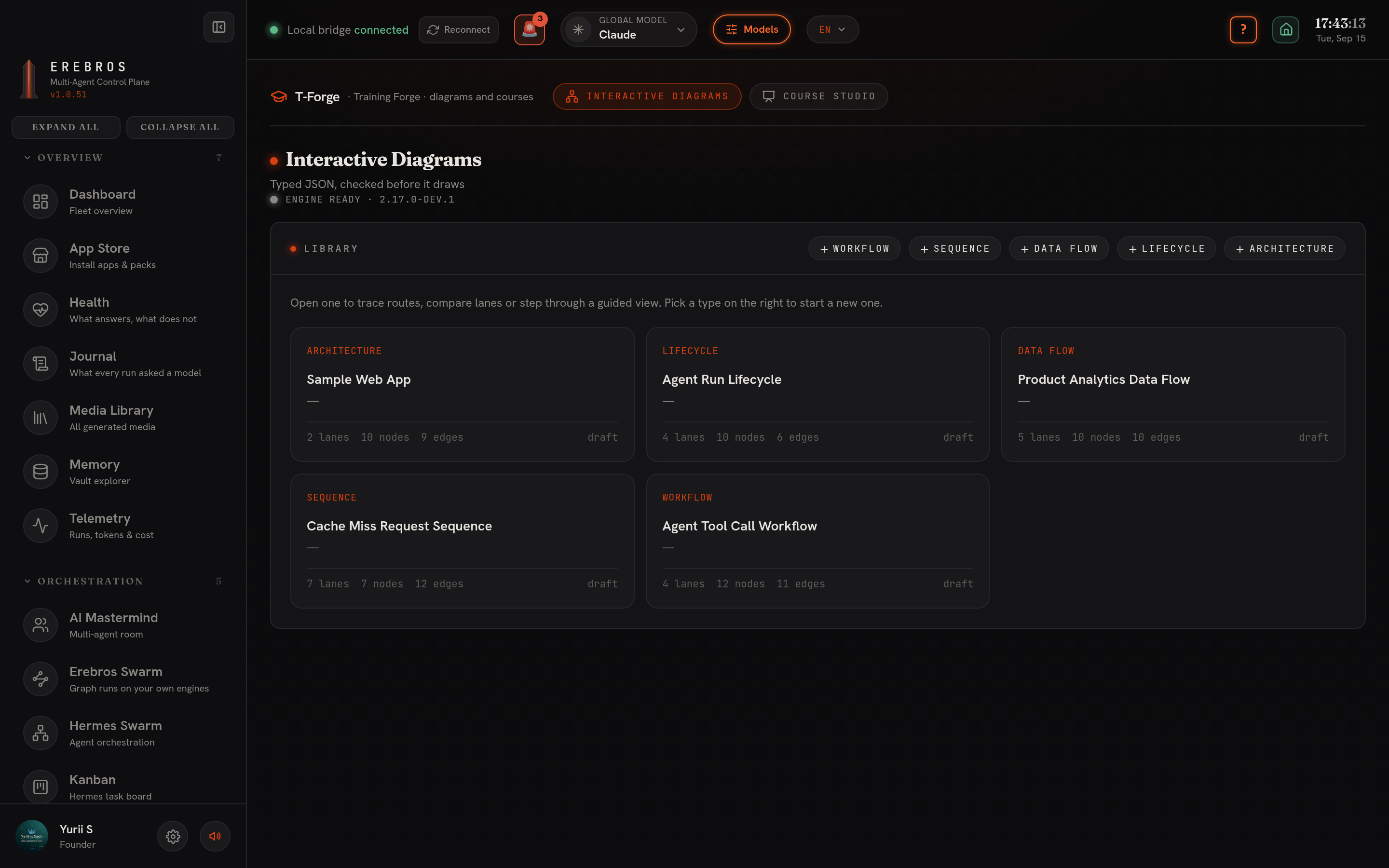
| Type | Use for |
|---|---|
| Architecture | Components, services, cloud and security boundaries |
| Workflow | Processes, approval gates, runbooks, CI/CD |
| Sequence | Call chains, request lifecycles, async traces |
| Data flow | Pipelines, ETL/ELT, lineage, consumers |
| Lifecycle | States, retries, waiting and terminal states |
A fresh install starts with five example diagrams, one per type, that you can edit or delete to see what each type looks like. Everything lives under T-Forge/Diagrams/<name>/ as ir.json plus the last rendered artifact.
Describe, generate, validate
Section titled “Describe, generate, validate”Type what the system does, plain sentences or a chain like Browser -> API -> Redis -> Postgres. Pick the diagram type, pick a model, press Generate:
- Your words go to the model with the schema for that type and one worked example, and it answers with the document.
- The engine validates it: schema, then layout, then it renders the page and runs nine named checks.
- If a check fails, the engine’s own complaint (which label, which node, what would fix it) goes back to the model, which repairs the document. Up to three rounds, and it stops early once two rounds stop improving on the best result so far.
Generation runs as a background job, so you can leave and come back to the result. The engine has a strict showcase presentation profile that also forbids crossing edges and shared corridors; a diagram can fail that and still be sound, in which case T-Forge re-checks at the looser standard profile and saves it there instead.
The document itself is editable by hand as JSON, and Validate & apply parses it onto the canvas without ever refusing to save a half-written diagram.
The canvas
Section titled “The canvas”The canvas draws the same projection every type shares, lanes down the side, ranks across, so you can navigate the document while writing it. Five modes: Select, click a node for its passport and trace upstream or downstream; Route (R), the shortest authored route between two nodes; Lens (L), how many nodes and relationships stay inside one or two chosen lanes; Story (P), step through guided views the document carries; Delta (D), what changed since the document was last saved.
Nothing is inferred: upstream, downstream, routes and lens counts follow authored edges only, and two components with no edge between them are reported as not connected rather than guessed at.
Export
Section titled “Export”- Render the artifact now, produces the page and saves it beside the document.
- Open the rendered page, a self-contained page around 700 KB, carrying its own PNG, SVG and WebM export inside it.
- Diagram source (.json), the document itself.
Editing a document deletes the artifact rendered from it, so an export is never a stale diagram.
Setup and dependencies
Section titled “Setup and dependencies”Both tools run on any model this install has configured; no separate key is required for the engines themselves. Course Studio’s voice engine follows whatever you set up for narration elsewhere in Erebros, free local Supertonic covers English, Russian and Ukrainian with no key. Web search in Compose needs TAVILY_API_KEY or a Firecrawl setup.
The Course Studio pipeline is OpenMAIC’s (MIT), vendored into vendor/openmaic; it owns the lesson contract and prompts, and reaches whichever model you picked through one injected function. The diagram engine is archify (MIT), vendored into vendor/archify with no runtime npm dependencies, so it works offline and travels in the release zip.
- Draft a course’s plan before spending on a full build, correcting six lines is cheaper than correcting a built course.
- For narration outside English, the free local Supertonic voice already covers Russian and Ukrainian.
- If a diagram fails the strict
showcasechecks, look for thestandardfallback before assuming it needs a rewrite. - Two components with no line drawn between them in a diagram are not connected; the canvas will say so rather than imply a relationship that was never authored.