
Model Manager
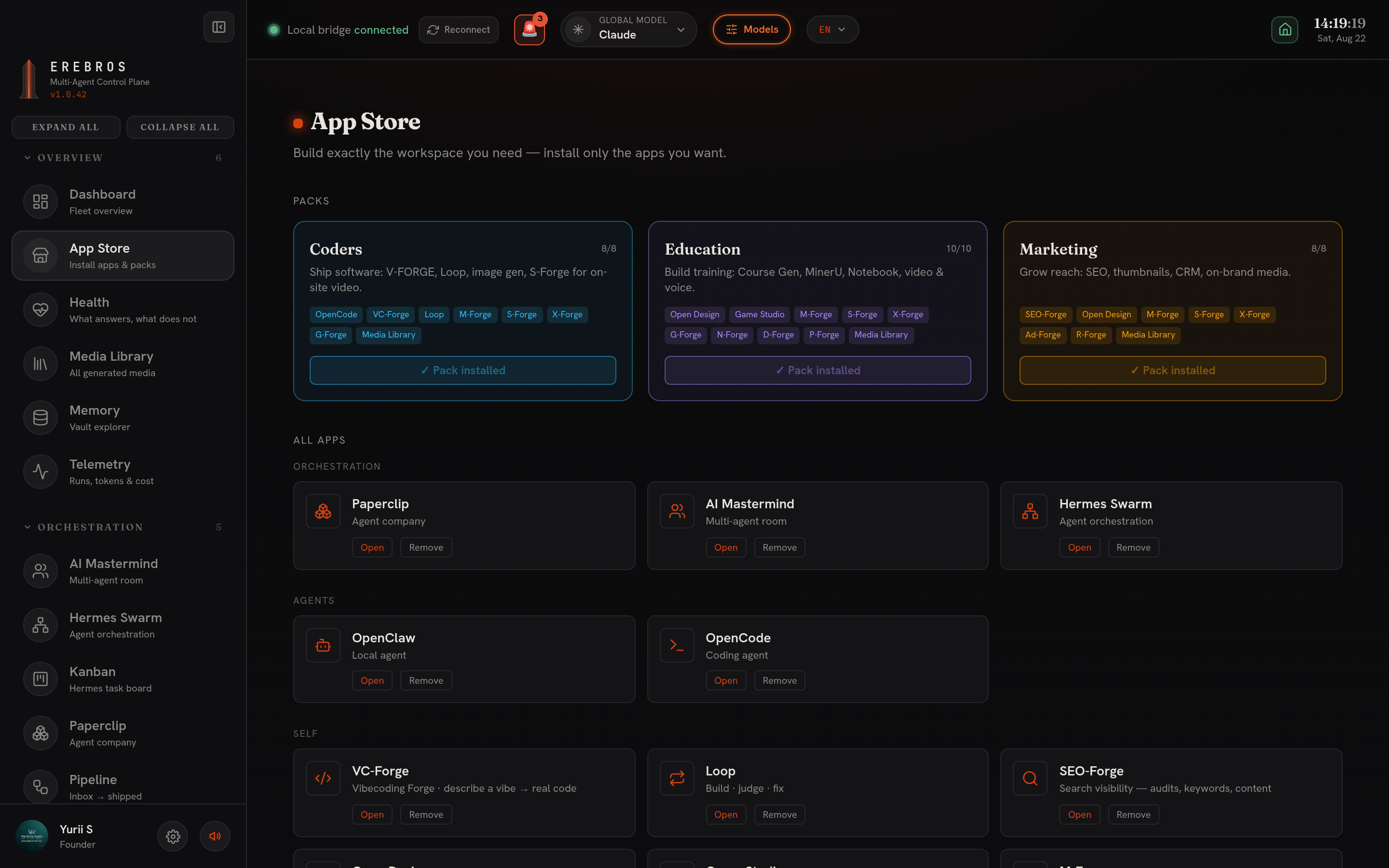
The Models button in the top bar (acid outline, next to the global-model switcher) opens the Model Manager.
What it does
Section titled “What it does”It lists every model this install can reach, chat families, local Ollama models, the Model Studio plans, and the PROVIDERS aggregators, with:
- Cost per model, and a free-only filter.
- An on/off switch for any family or individual model. What you switch off here disappears from every picker and the sidebar, the setting is honoured across the whole app, not just in one place.
- Tabs for AI models, media engines, and where models are chosen.
- A search box.
How it relates to the switcher
Section titled “How it relates to the switcher”The global-model switcher chooses which model answers a default-engine request. The Model Manager decides which models exist to choose from at all. A model switched off here cannot be picked anywhere.