
Channels
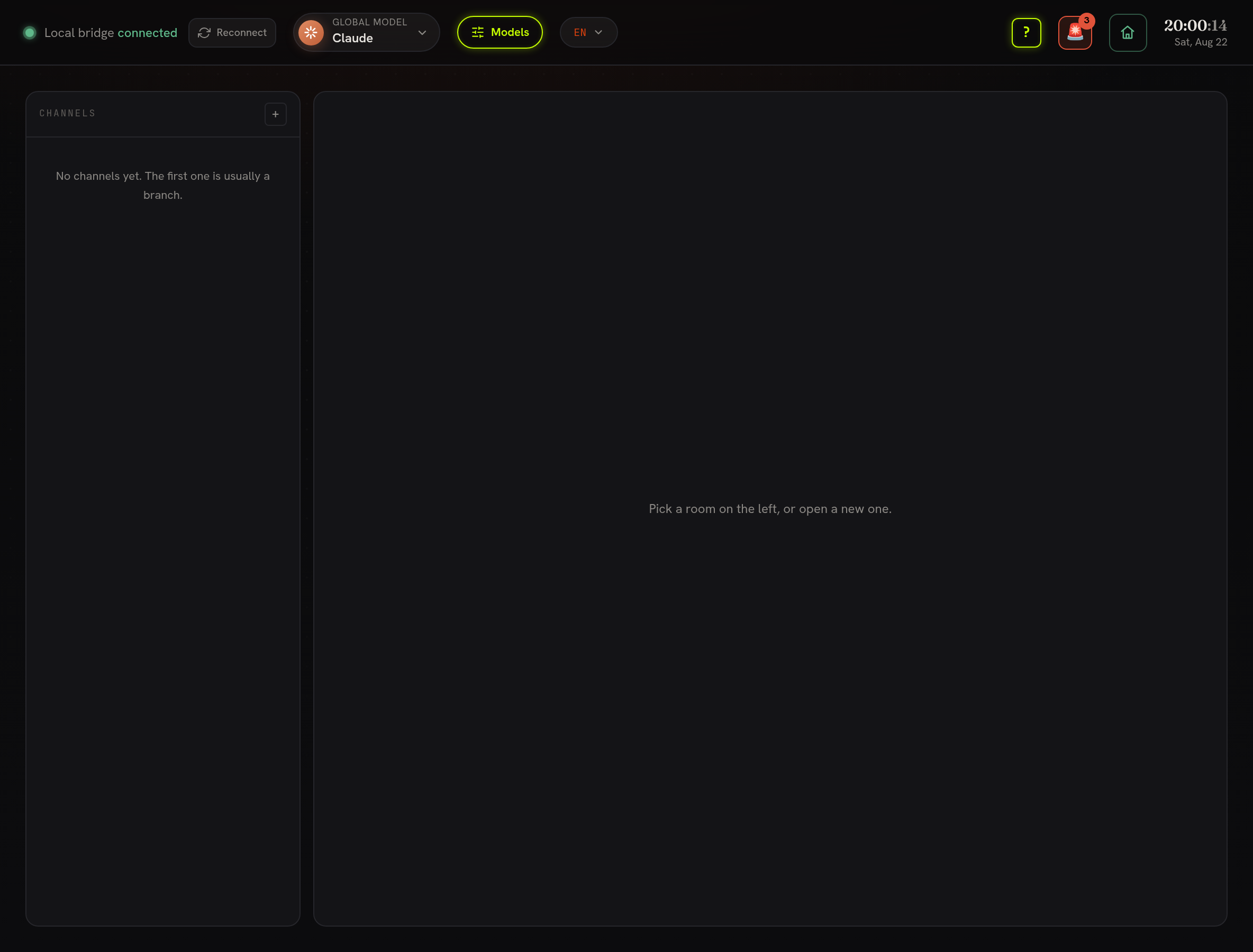
Channels are rooms where people and agents work together, at /channels. A room
usually grows out of a branch: give it the branch name when you open it and the
discussion, the patch and the decision stay in one place.
What a room actually is
Section titled “What a room actually is”There is no channels file and no channels table. A room is what you get when the log is folded by subject, created, renamed, joined, said, pushed, run. So a room can never disagree with its own history, and two machines that each opened rooms offline merge by concatenating files rather than resolving conflicts.
Reading a room
Section titled “Reading a room”Messages and agent replies are shown as speech. Everything else, a patch, a CI run, someone joining, is a quiet line in the same scroll, in the order it happened. They share the log on purpose: the review conversation and the run that failed are one story.
When something arrives while you are elsewhere, the Channels row in the sidebar lights green and a sound plays, two rising notes, deliberately unlike the falling one that means your own message left. Only speech counts. Muting is per room, on the room, and also clears what was already waiting in it. The left list is sorted by activity; a message that fails to send is put back in the composer, not dropped.
Agents in a room are members, not integrations
Section titled “Agents in a room are members, not integrations”Add one with + Add an agent in the room header; it is deployed by an event, like a person joining. From then on it reads the room’s history the way anybody else would and answers as a signed event next to everybody else’s, no separate bot channel, nothing to configure.
- An agent that has nothing to add replies
SKIP, and nothing is posted. - Agents are asked after your message is on the log, never as part of storing it - a model that hangs cannot lose what you typed.
- If one fails, the reason is shown and nothing is written: a room’s history holds what the team said, not which model was misconfigured on somebody’s laptop.
How to use it
Section titled “How to use it”- New room, named after the branch or the topic.
- Invite people; + Add an agent for the models you want in the room.
- Talk. Push a patch from Git & Review with the room as subject and it appears in the same scroll.
- Mute the rooms you only need to read later.
Privacy
Section titled “Privacy”A private channel is hidden, not encrypted. The log replicates to every machine in the workspace, so a private room’s messages are already on everybody’s disk; the setting decides what the interface lists.